
Version Differences and Game Modes
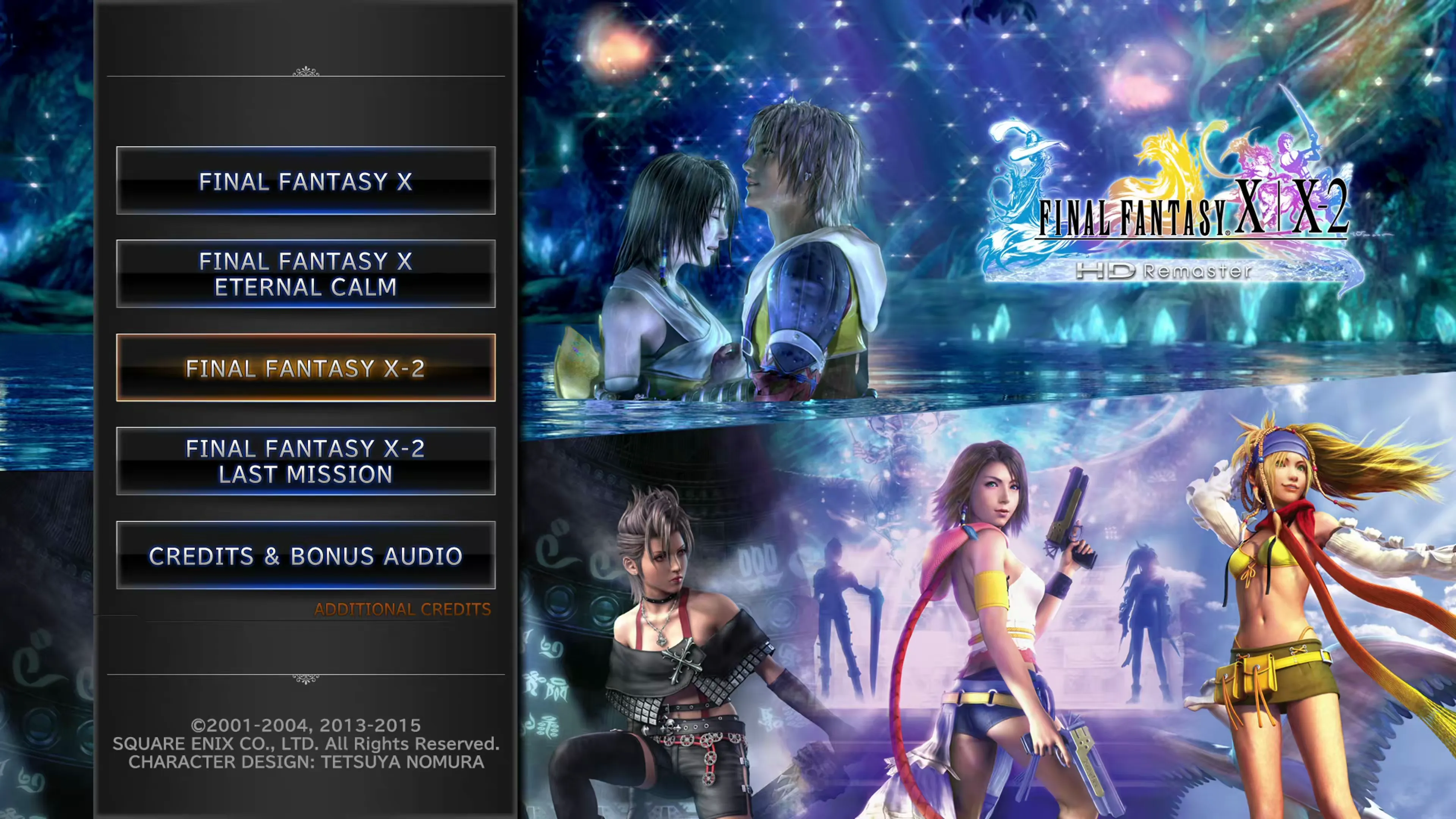
Like many Final Fantasy titles, Final Fantasy X and Final Fantasy X-2 have had a few different iterations. The game was originally released in Japan in March 2003, then in North America in November 2003, and finally to the rest of the world in February 2004. Last Mission was released only in Japan and was later included in the HD Remaster.
Most of what the HD Remaster adds actually arrived first in the Japan-only International release. The HD Remaster is simply the first time players outside Japan could get at any of it:
- Two new Dresspheres (Festivalist and Psychic)
- The Creature Creator and Fiend Arena
- Last Mission
- New
 Garment Grids
Square Enix also applied several fixes, including an adjustment to how  Cat Nip works and other balance changes. Most players will now be playing the Final Fantasy X/X-2 HD Remaster version of the game, though, so knowing these differences isn’t too important.
Nintendo Switch Touch Menus
The Nintendo Switch version of the HD Remaster adds two menus that you open by swiping across the touch screen, so they’re only available when playing in handheld mode.
Quick Recovery
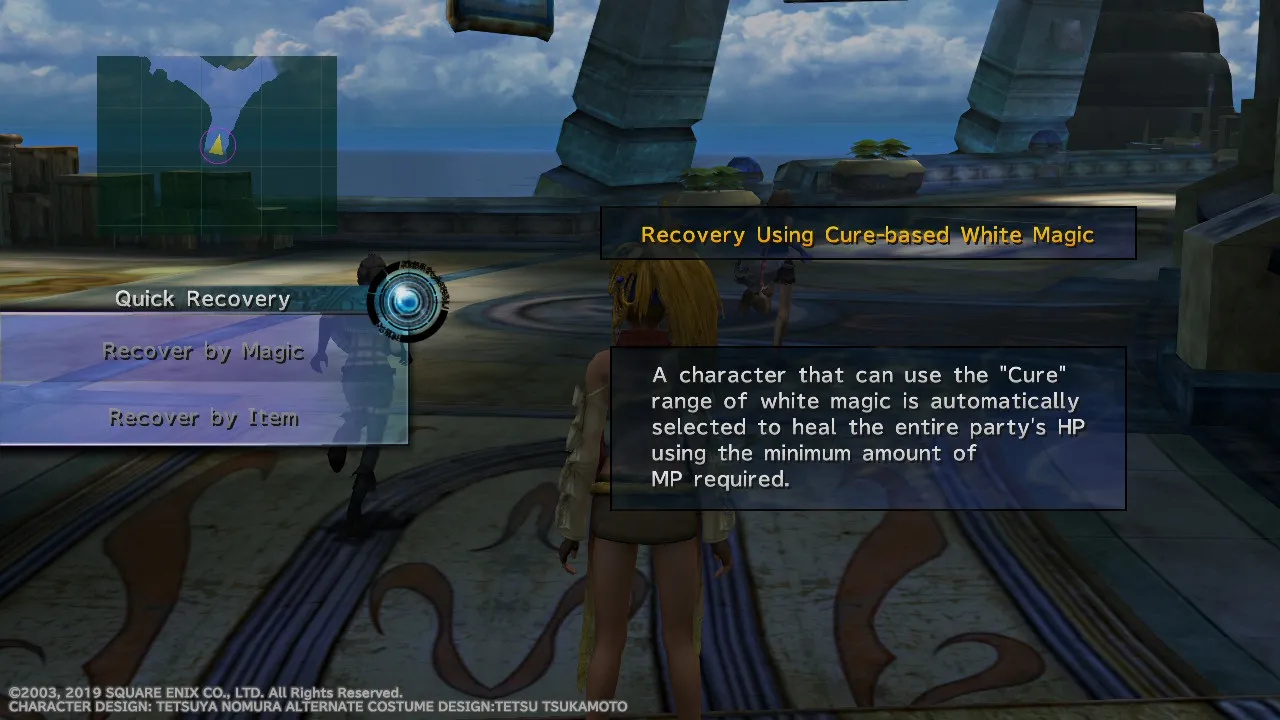
Swipe right on the left side of the touch screen while exploring to open the Quick Recovery menu. It has two options:
- Recover by Magic: a character that can use the “Cure” range of White Magic is automatically selected to heal the entire party’s HP using the minimum amount of MP required.
- Recover by Item: heals the entire party’s HP using the fewest recovery items needed.
Spherechange Effects
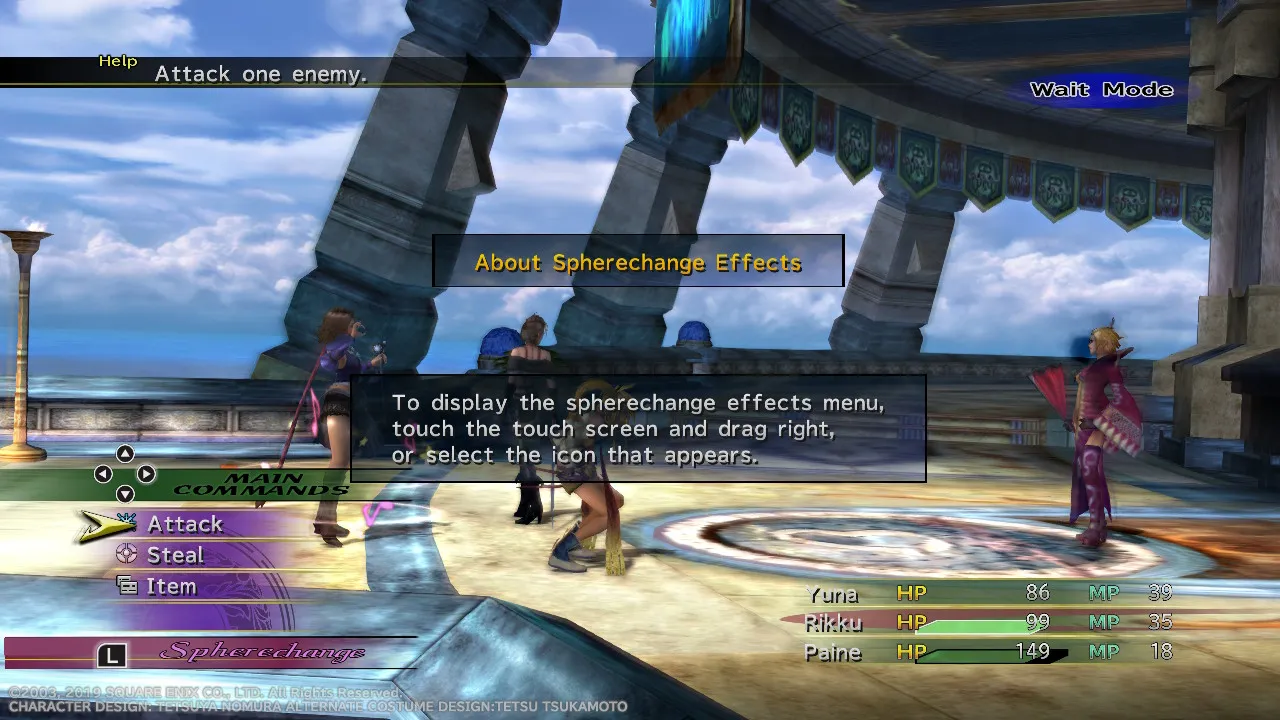
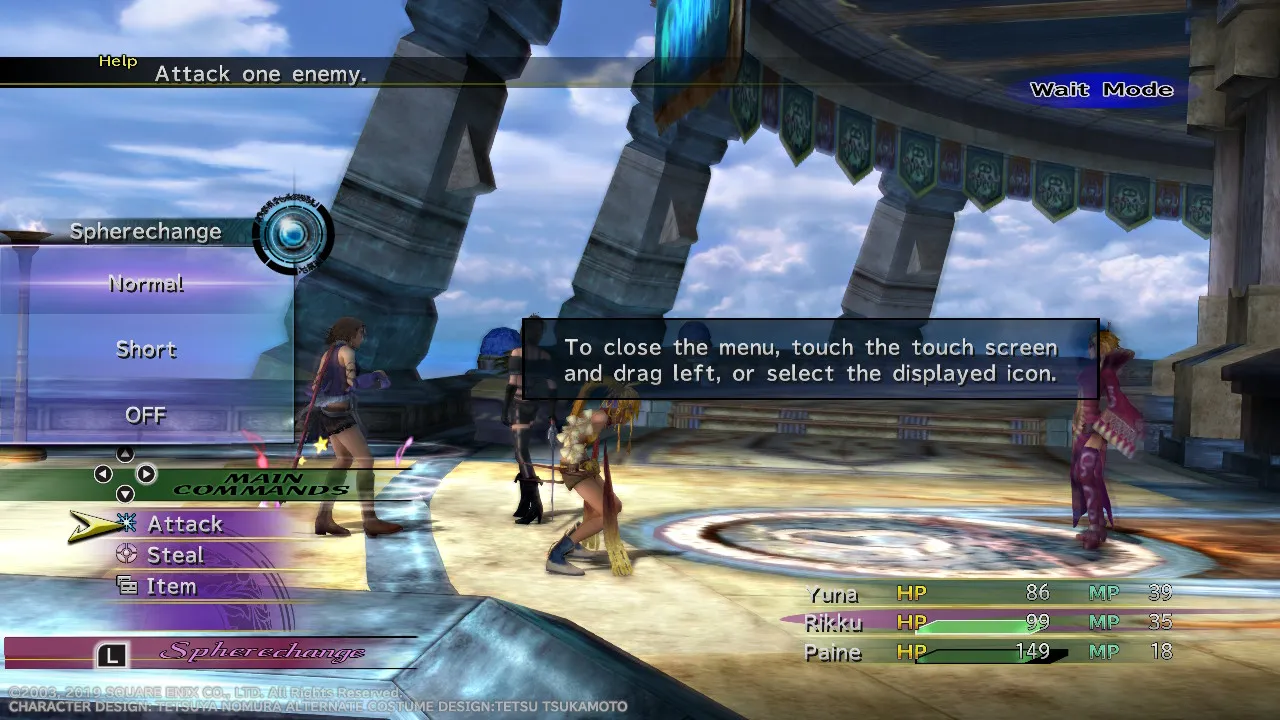
During battle, touch the touch screen and drag right to display the Spherechange Effects menu, which sets how much of the Spherechange animation plays when a character changes Dresspheres. The options are Normal, Short, and OFF. Touch the screen and drag left to close the menu again.
New Game Plus
After you beat the game, you gain access to a new menu item called “New Game Plus.” So what changes and what carries over into this new game?
Before you begin a New Game Plus, it’s a good idea to sell your Sphere Break Coins, because they are lost outright and every coin resets to 100 Gil anyway. It’s also worth filling Yuna’s inventory with greens from the Chocobo Ranch, because Clasko does not keep his stash between games. Gyshal Greens are the exception, as those are lost either way, so sell them rather than carry them.
So Why Play a New Game Plus?
It’s hypothesized that one of the reasons for New Game Plus being included in the game was as a means to allow players to try again for 100% Story Completion without having to start a brand new game. Alternatively, it allowed players to take a different path, such as siding with New Yevon instead of the Youth League.
This allows you to carry over some of your progression if you want to try again. If you missed some Story Completion Percent, consider using this guide’s Story Completion Tracker to help you make sure you don’t miss anything:
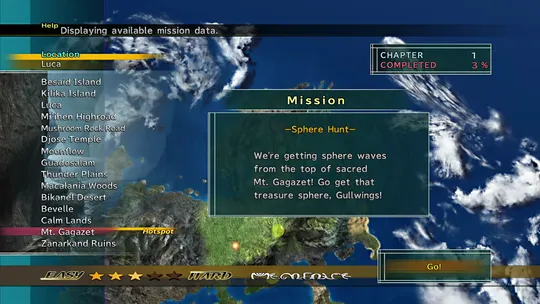
An interactive checklist of every scene and decision that adds to your percentage. Tick them off as you play and compare your running total against the number on your save screen.